> ## Documentation Index
> Fetch the complete documentation index at: https://docs.tessact.ai/llms.txt
> Use this file to discover all available pages before exploring further.
# Render overview
> Preflight the draft, start an H.264 job, monitor it, and retrieve the result.
The editor renders the complete draft as an H.264 MP4. The top-bar action is disabled while the timeline is empty or another editor render is active.
## Preflight checklist
* Confirm composition width, height, frame rate, and derived duration.
* Inspect the first and last visible frames.
* Play across every cut, title, caption change, and fade.
* Restore intended hide and mute states after isolation work.
* Verify remote media loads without expired or temporary-only references.
* Inspect keyframe lanes for points outside newly trimmed ranges.
* Review caption text, timing, maximum lines, and contrast.
* Listen for clicks, clipping, missing audio, and overly long fades.
* Deselect review-only alternatives or remove them if they should not render.
## Start the render
Let autosave synchronize and stop playback.
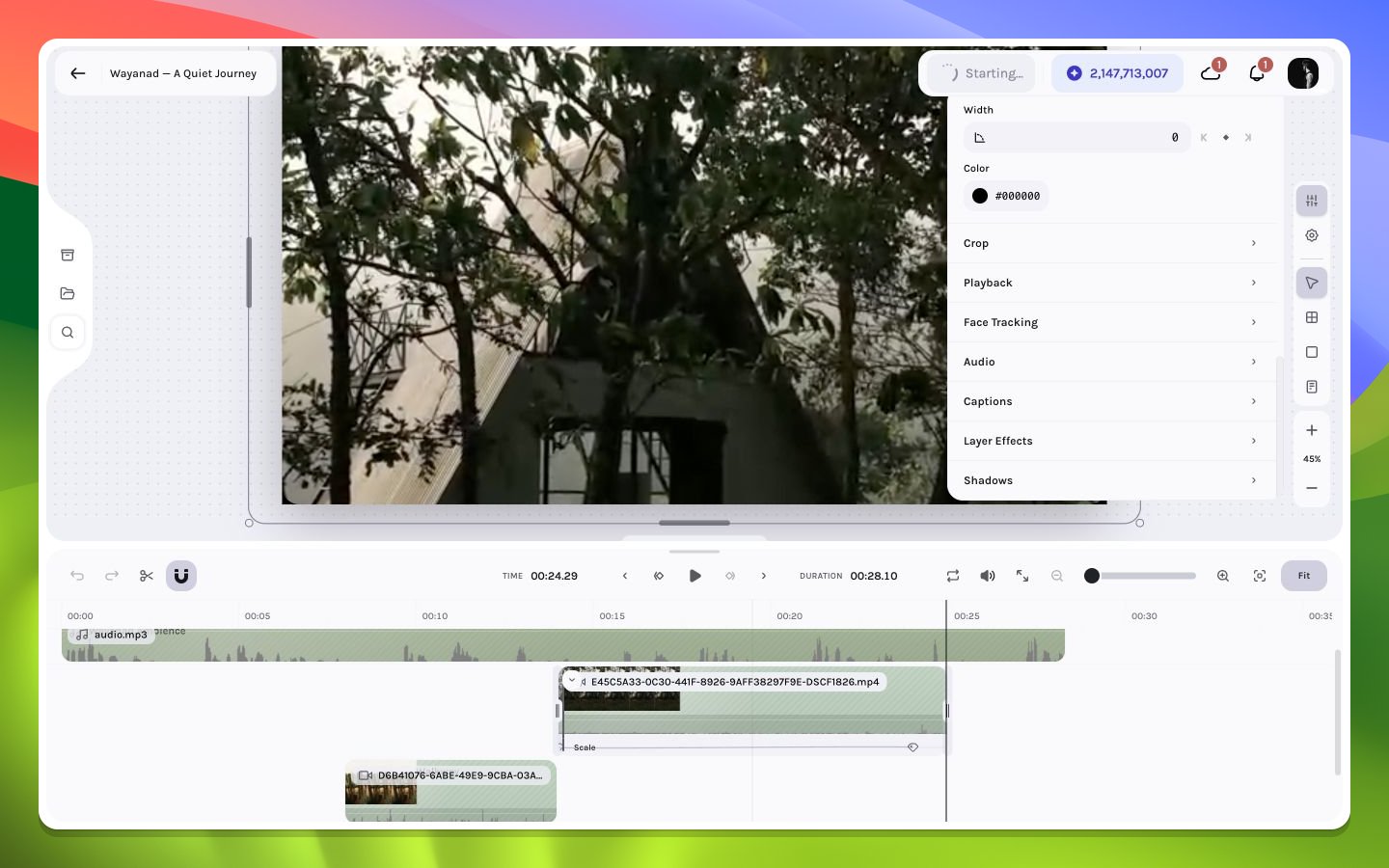
The job is added to the local render queue and enters a starting state.
The browser invokes the render service and polls progress. Avoid refreshing while the in-memory job is active.
When the render finishes, the browser automatically downloads the H.264 MP4. Open that file and watch it end to end in a video player—not only in the editor preview.
 ## Duration source
Render duration is derived from the composition's layer state. A forgotten layer extending far beyond the intended ending makes the output longer even if it is off-canvas or visually empty.
Queue state is held in browser memory. Refreshing or closing the tab can remove local progress tracking and completion handling for that job.
Continue to [H.264 details](/editor/export/h264), [progress and queue](/editor/export/progress-queue), or [render troubleshooting](/editor/export/troubleshooting).
## Duration source
Render duration is derived from the composition's layer state. A forgotten layer extending far beyond the intended ending makes the output longer even if it is off-canvas or visually empty.
Queue state is held in browser memory. Refreshing or closing the tab can remove local progress tracking and completion handling for that job.
Continue to [H.264 details](/editor/export/h264), [progress and queue](/editor/export/progress-queue), or [render troubleshooting](/editor/export/troubleshooting).