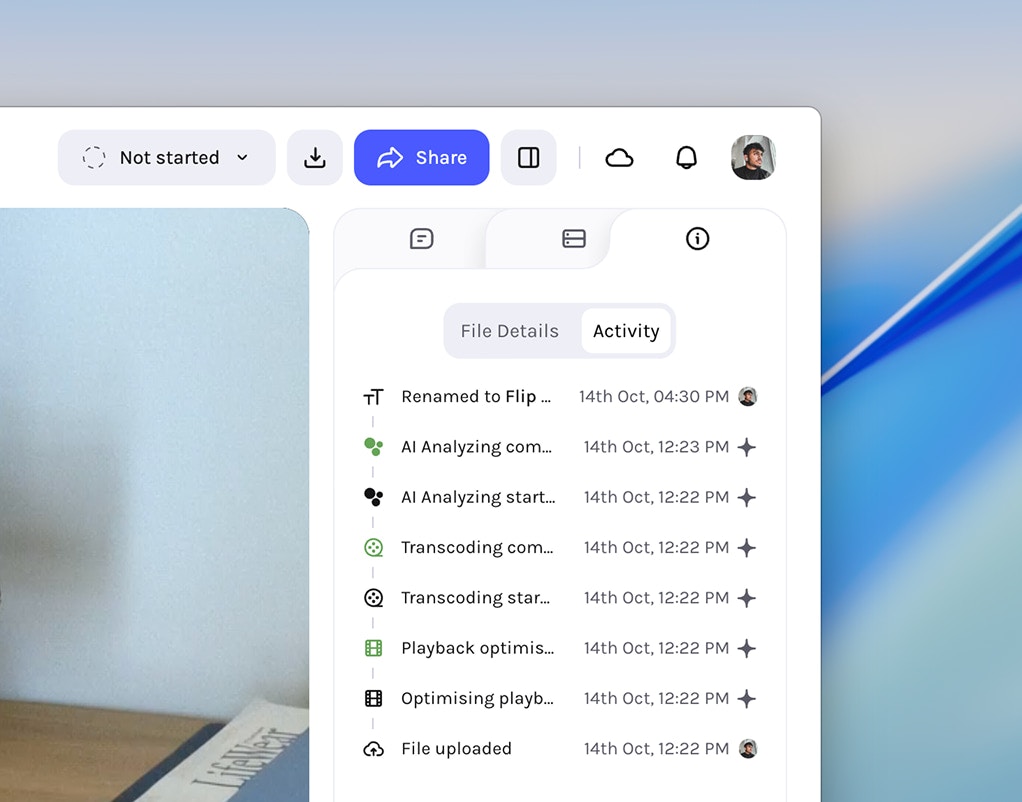
This release introduces Webhook integration for powerful external automation and a comprehensive asset activity log to monitor all user and AI-automated asset actions. Expect smoother workflows with improved face tracking accuracy, streamlined scene exports, and broad stability improvements throughout the platform.
Connect Tessact to your automation workflows via outgoing webhooks. Use popular providers like Zapier, n8n, IFTTT, or your own custom endpoint.
1
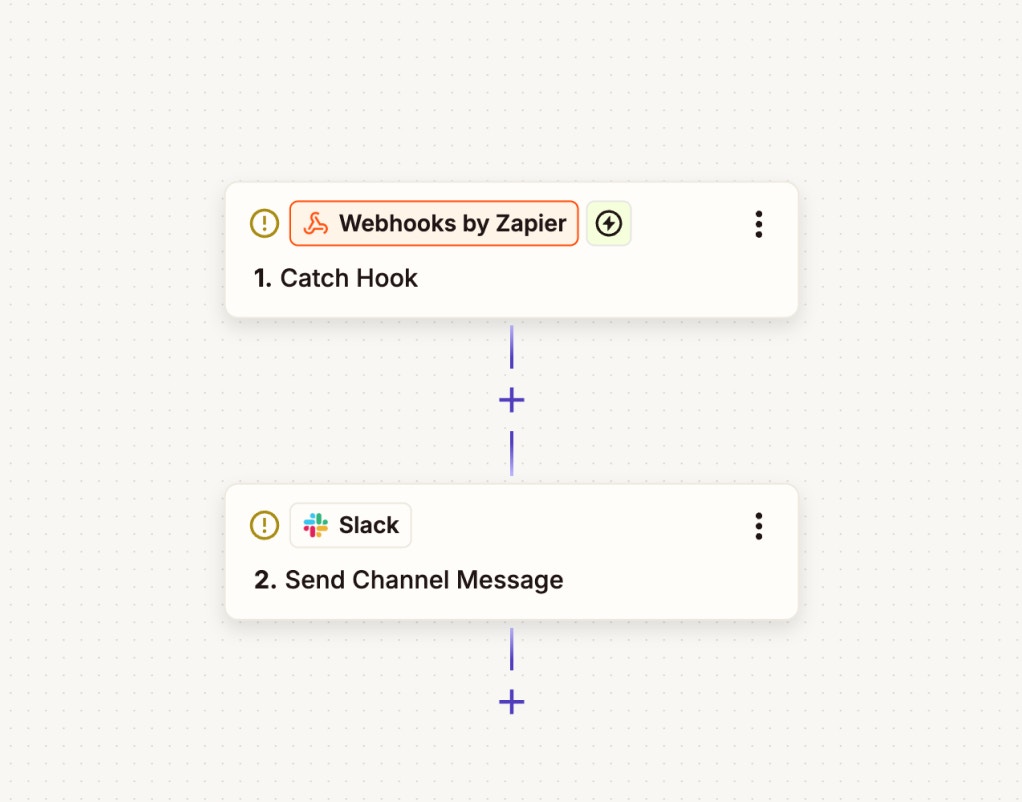
Set up the webhook on your provider
Using your chosen automation provider (such as Zapier, n8n, or IFTTT), set
up a new webhook by creating an endpoint and copying its URL for later use.
Provider webhook configuration
2
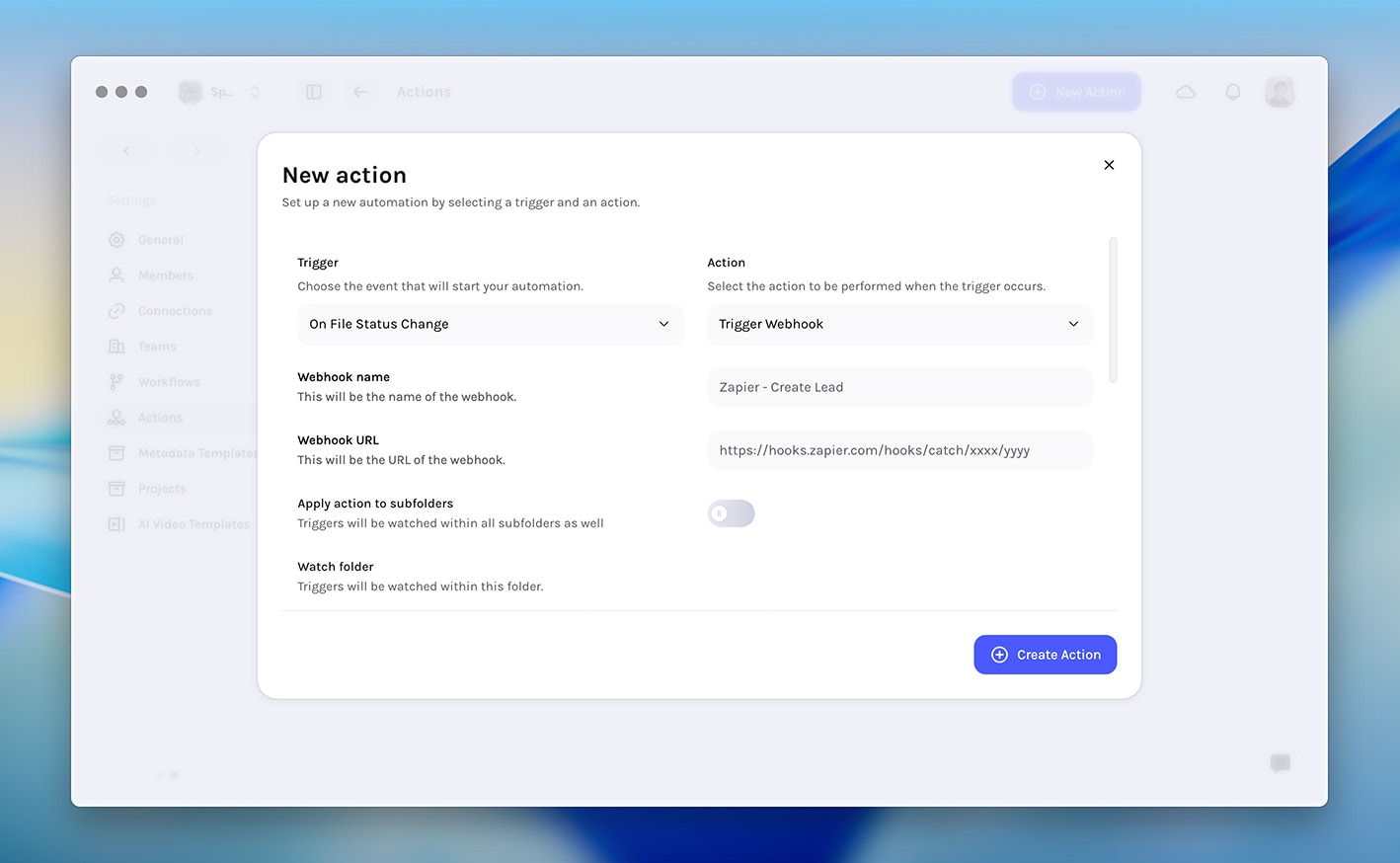
Create a new action from Settings in Tessact
In Tessact, navigate to Settings, then select Actions and click
Create New Action.
3
Choose a trigger and select 'Trigger webhook'
Select your desired trigger from the list of available triggers, then choose
Trigger webhook as the action to link your workflow.
Setting up webhook trigger
4
Configure webhook details
Fill in the webhook name, paste the endpoint URL, specify the
watch folder, define the payload, and optionally configure HTTP
headers as needed. Then, click Save to finish setup.