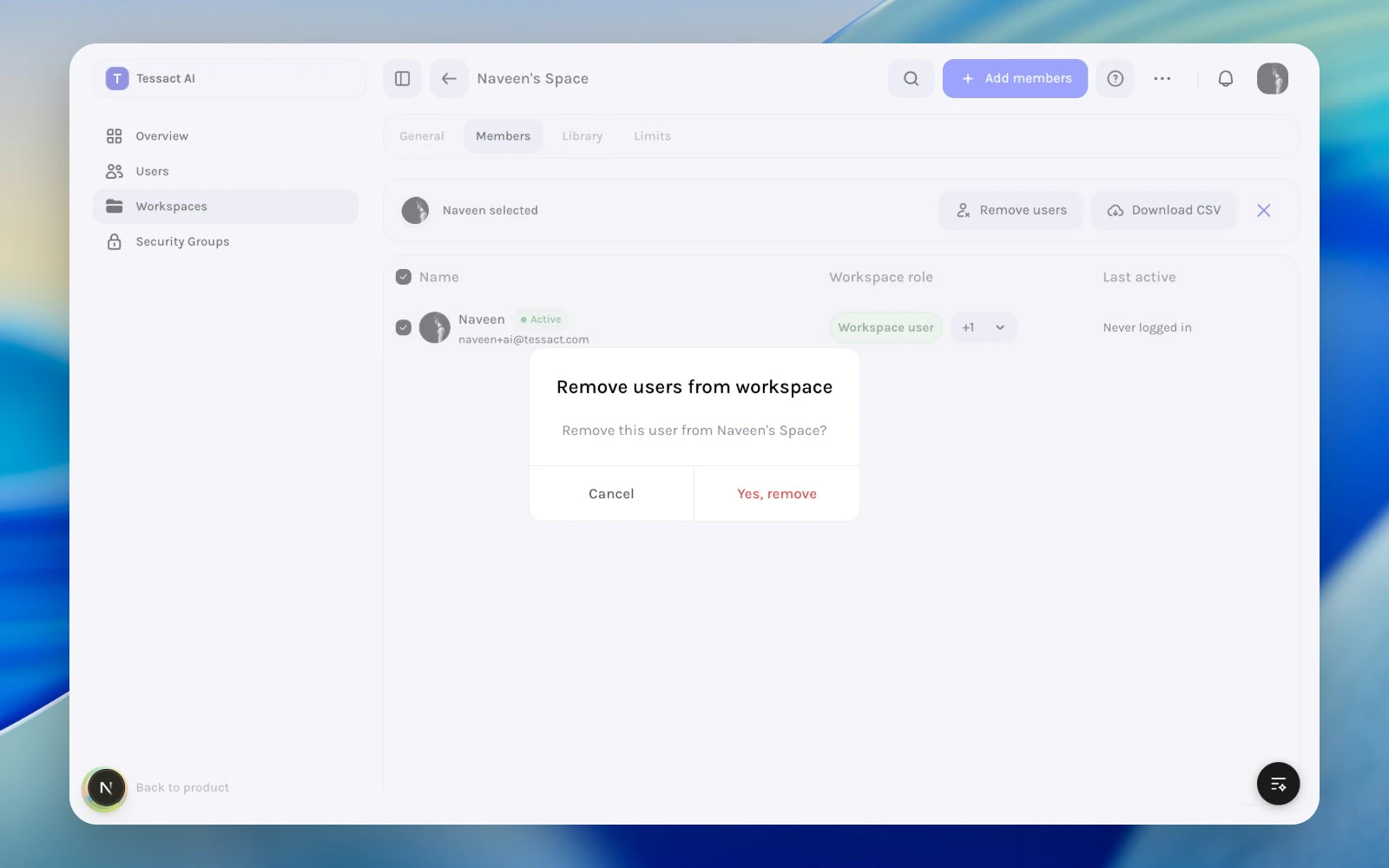
Removing a user from a workspace is more precise than deactivating the org account. Use it when the person should stay in Tessact, but should no longer work in this specific workspace.
Start from Members, then select the people whose workspace access should end.
2
Use the workspace-level removal action
Open Remove users from the selected-member action bar and confirm the exact removal scope.
Workspace member removal confirmation
3
Check for follow-up changes
After removal, verify whether the person still needs org access, whether ownership should move to someone else, and whether any elevated roles should be reviewed elsewhere.