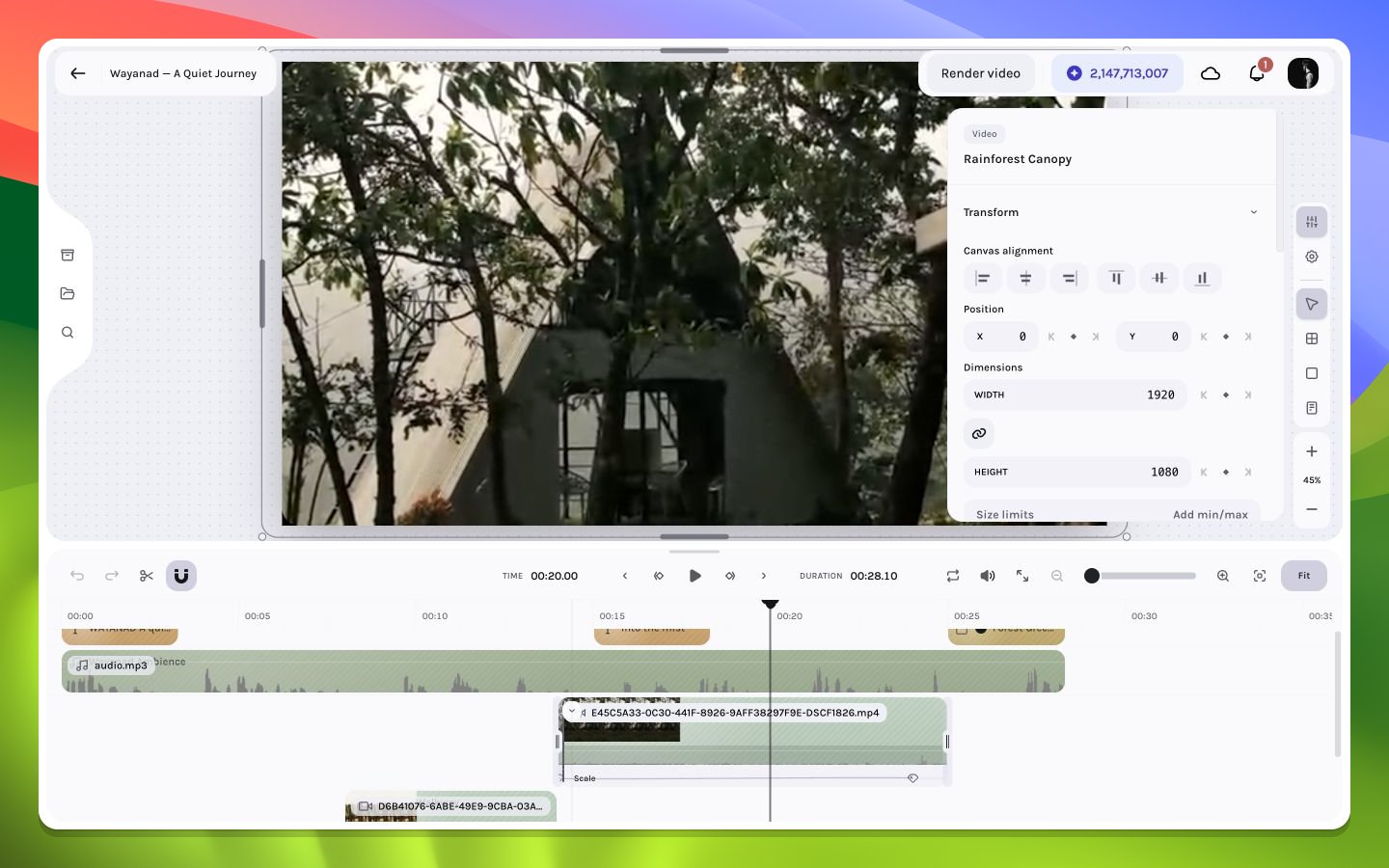
Read, select, move, and navigate property tracks in the timeline.
Expanded keyframe lanes separate a layer’s animation properties into horizontal rows. Each diamond marks a stored frame-value decision; the space between diamonds represents interpolation.
Core labels include X, Y, Width, Height, Opacity, Rotation, Scale, Radius, Stroke width, and four crop edges. Effect lanes use the effect parameter label; shadow lanes include field and one-based shadow number.
Click one point to inspect it. Add points to the selection or marquee a group when editing a coordinated motion. Selection entries are keyed by item ID, property, and frame, so two diamonds at the same frame on different lanes remain independent.
Timeline zoom determines visual point spacing. If several points appear stacked, zoom before moving or deleting. The underlying frames remain distinct even when low zoom maps them to nearly the same pixel.
Inspector previous/next controls and playback keyframe navigation seek to meaningful points and reveal their timeline location. The global next keyframe may come from a different selected property than the row you are watching; use the row-specific controls for exact track traversal.
Tracks are sorted and deduplicated whenever written. Invalid non-finite values, negative frames, and empty tracks are removed from the normalized representation. Legacy X/Y aliases are resolved so one effective track owns each axis.
Keep lanes collapsed during rough editing and expand them during a dedicated animation pass. Accidental time moves are less likely when diamonds are not competing with clip gestures.