

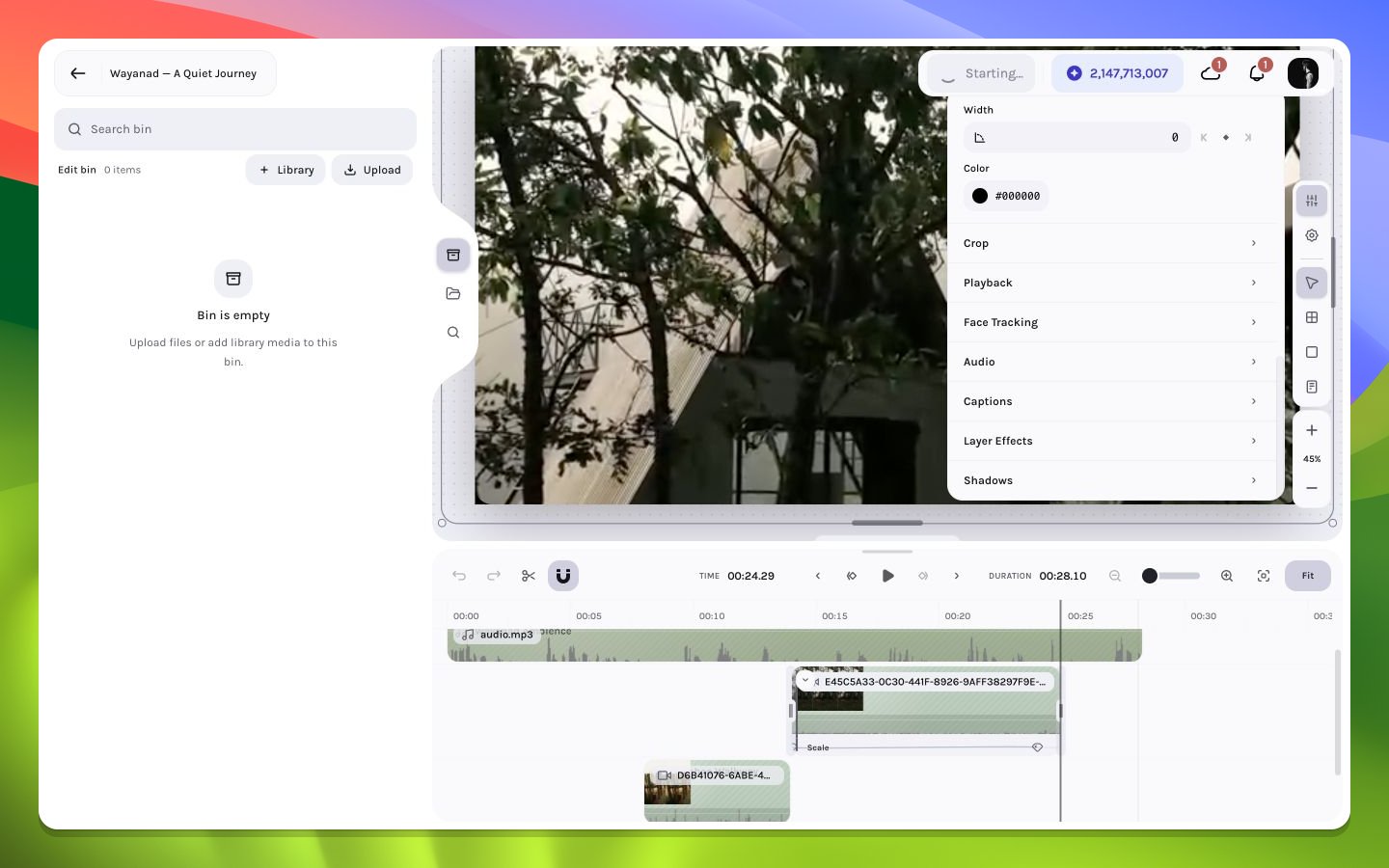
The Bin before media is added
Bin states
Empty
Empty
No media has been associated with the current draft yet, or the bin query returned no usable entries. Use Library from inside Bin to create associations, or choose Upload to add local files to the Bin.
Loading
Loading
Metadata and thumbnails are still being resolved. Avoid repeating the import until the request completes.
Populated
Populated
Cards show a thumbnail, name, size, and—where available—duration. Click, press
Enter/Space, or use the card’s add button to insert a new independent layer instance; drag the card for explicit canvas or timeline placement.Partial thumbnail failure
Partial thumbnail failure
The asset can still be usable if metadata and source access succeed. Open or insert it, then verify canvas decoding.
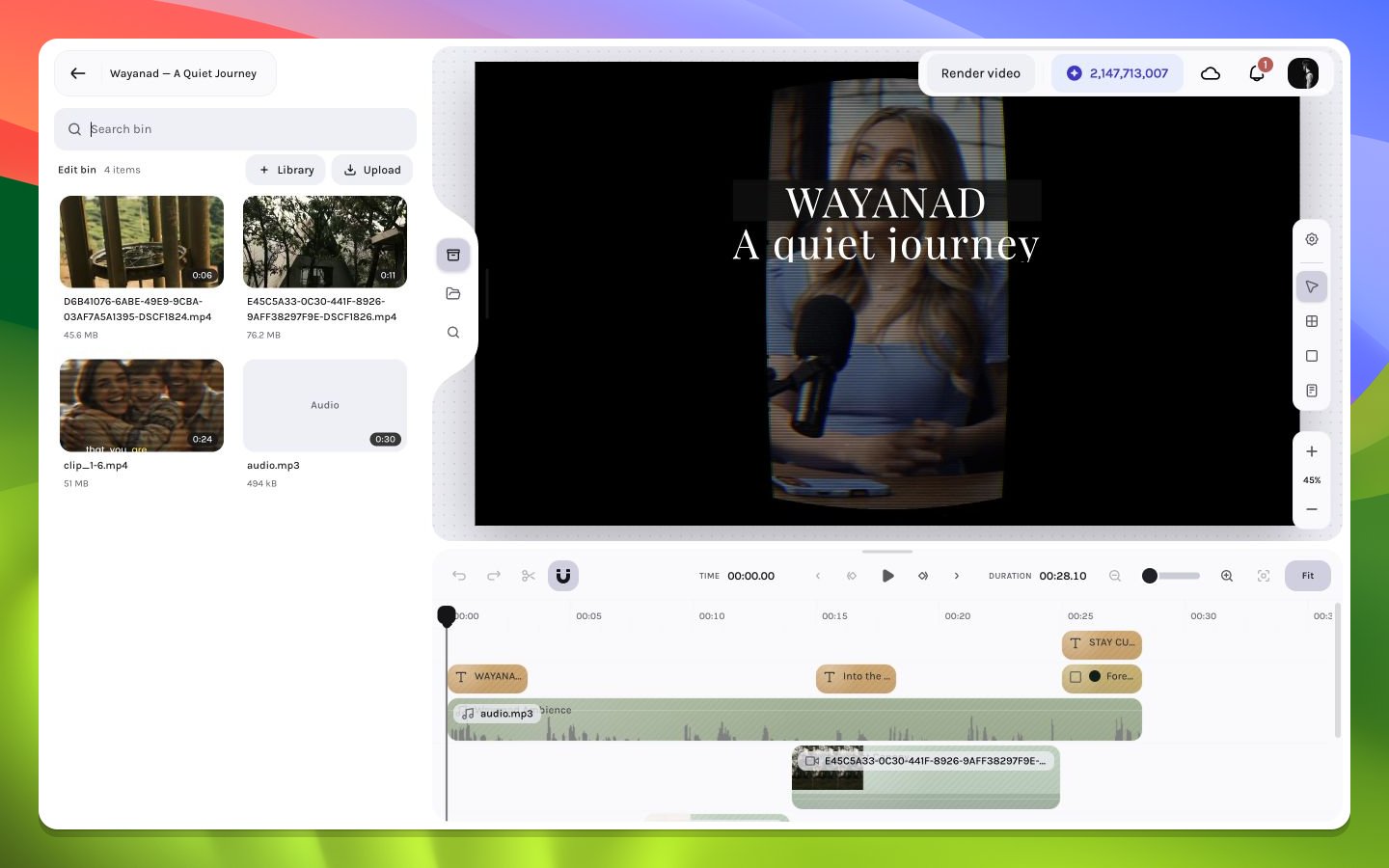
A populated Bin with draft source media
Reuse without duplication
Inserting a Bin asset does not duplicate the underlying remote file. It creates a new editor layer referencing the same source. This is the preferred way to repeat a B-roll shot, music bed, texture, or title image while applying different timing and visual treatment.Find, organize, and add media
The Library flow opened from Bin is an association workflow: its button reads Add to Bin, existing entries are marked In bin, and livestream assets are excluded there. Open Library from the editor’s left rail when the source should go directly to the timeline; that separate modal uses its insertion action rather than Add to Bin.