

{ frame, value, easing } records.
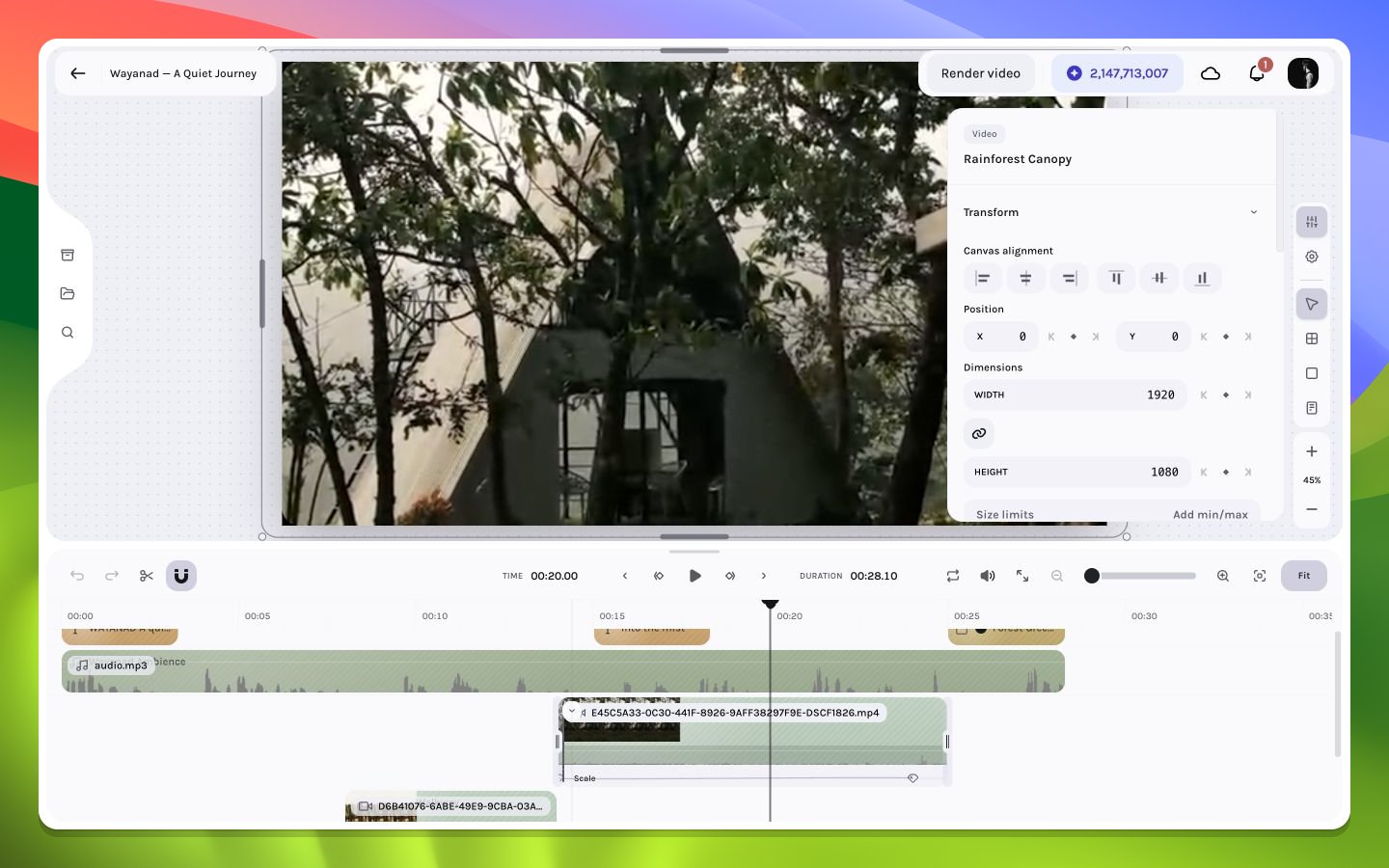
A Scale keyframe lane in the timeline
Evaluation model
- Before the first point, the first keyframe value holds.
- After the last point, the last value holds.
- Between points, progress is normalized from 0–1 and transformed by easing.
- With no track, the stored base value is used.
Frame addressing
Keyframe frames are composition-frame numbers, rounded to integers, sorted, deduplicated, and constrained to non-negative values. A layer’s creation controls allow a point inside its interval or at its end edge; render visibility still follows the layer’s half-open active interval.Track identity
Position supports legacy aliases: horizontal tracks can beleft or x, and vertical tracks top or y. Resolution selects the active representation and writing preserves the established key where possible. Effect tracks include the effect instance ID; shadow tracks include the shadow index.
Recommended motion workflow
- Establish a static start design.
- Add the minimum necessary property tracks.
- Place start and end points on meaningful story frames.
- Edit values numerically or through canvas gestures.
- Choose easing based on intent.
- Inspect the motion path and intermediate frames.
- Test at normal playback speed.