

Open, switch, collapse, and dismiss
Select Bin or AI Search to open its panel. Choose the other panel destination to switch content; choosing the active panel again collapses it and returns horizontal space to the canvas. Select Library to clear the active left panel and open the Library modal. Close or complete that modal to return to the editing surface; selecting Library again is not a panel-collapse gesture.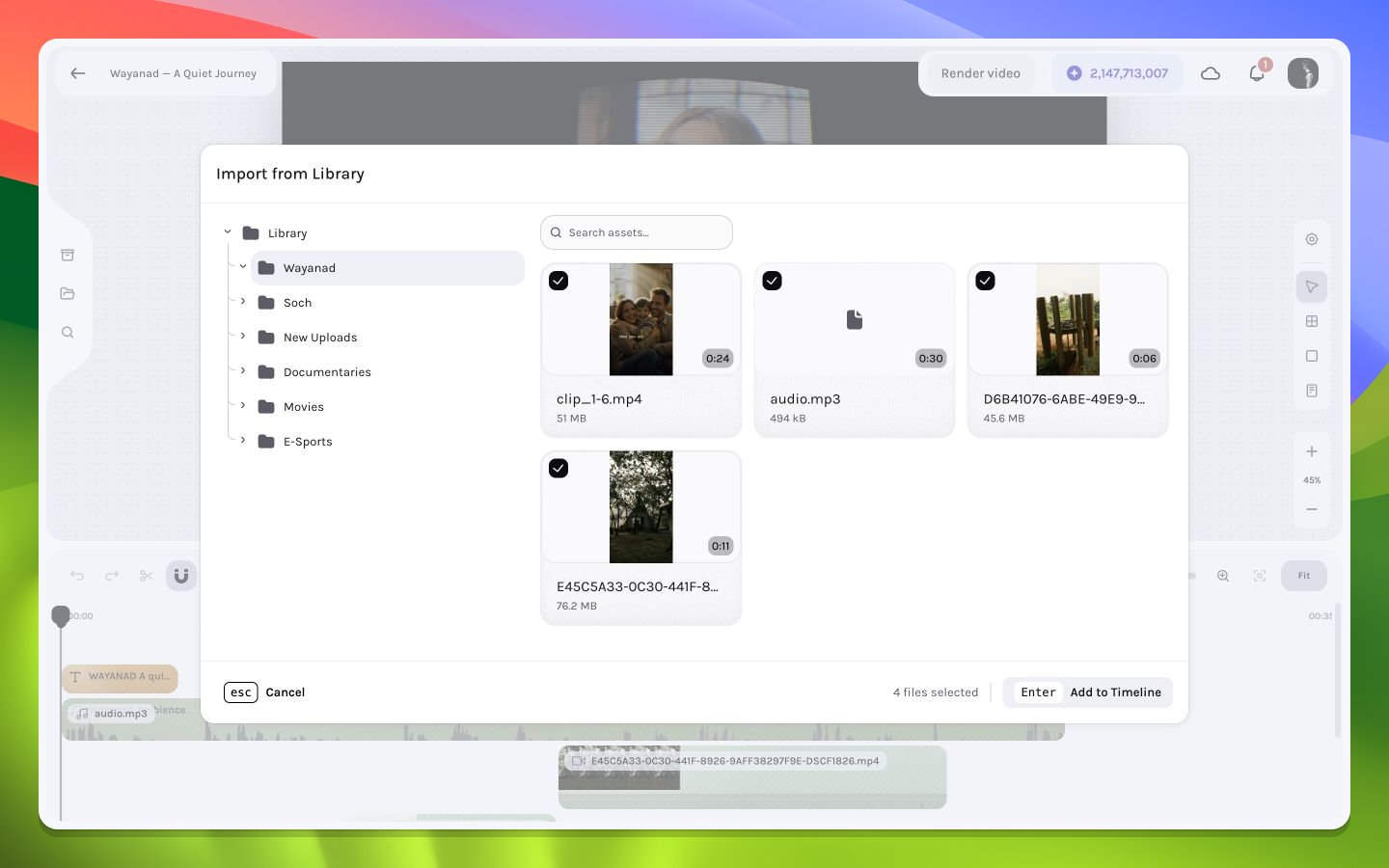
Library media selected for the sequence
From source asset to timeline layer
A source asset and a timeline layer are related but not identical. The asset represents reusable media metadata and a remote file reference. Inserting it creates a layer instance with its own start frame, duration, transform, crop, opacity, audio settings, keyframes, effects, and parent relationship. Inserting the same source twice creates two independently editable layer instances.Local operating-system files dropped into the editor are inserted at the current playhead. Always place the playhead intentionally before a drop.