

What you see
Layers are evaluated only when the playhead falls inside their active intervals. Active visual layers are resolved in stack order, with transforms, parent layout, crop, opacity, effects, shadows, and keyframed values applied to the current frame.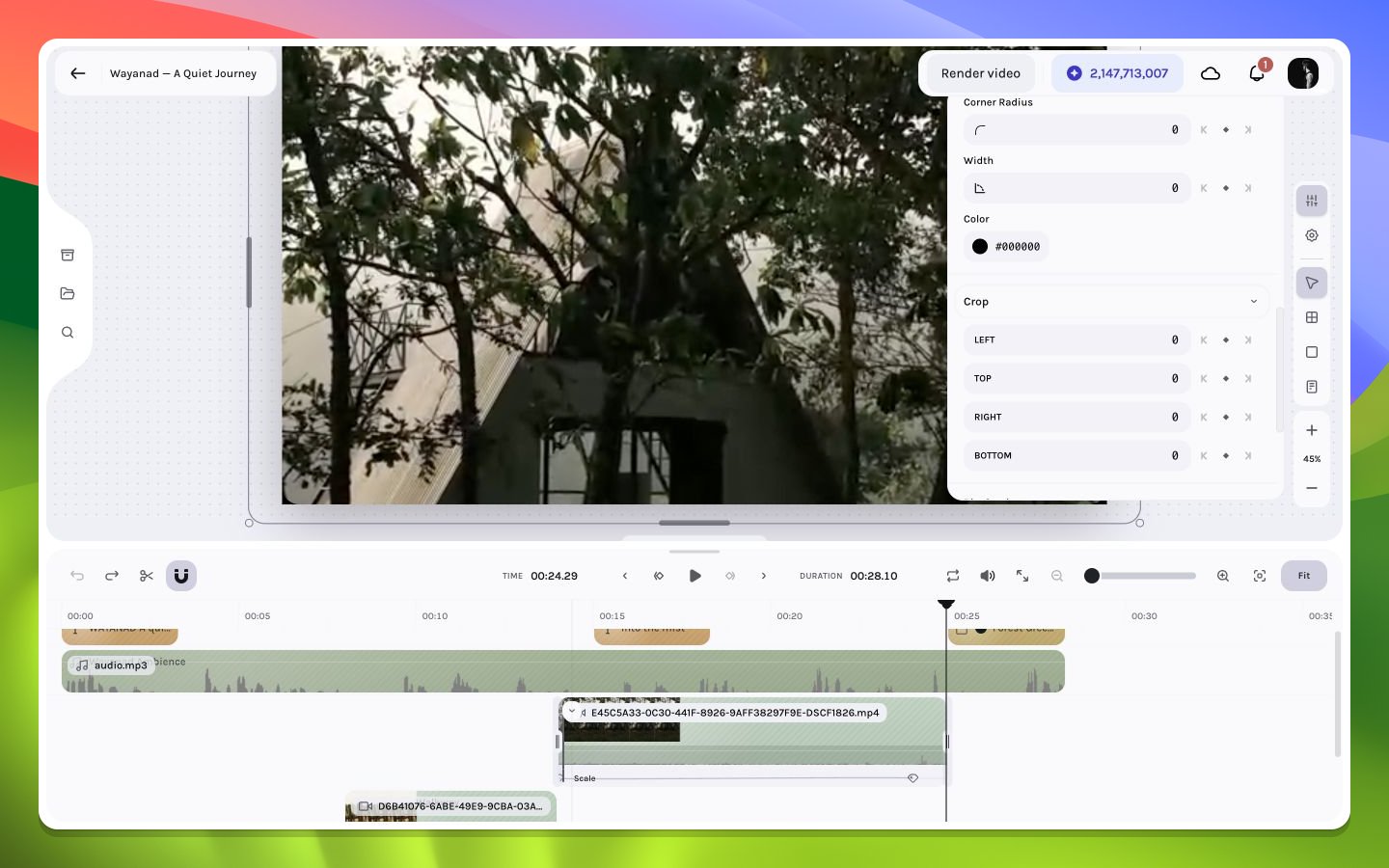
A video composition with a layer selected
Canvas-only controls
The lower-right controls change the workspace view rather than the video:- Zoom in or out to inspect details or see off-canvas motion.
- Use the percentage control to understand the current view scale.
- Fit the composition when panning or zooming has moved the useful area away.
Direct manipulation
With the Select tool active, drag a layer to move it and use corner or edge handles to resize it. Crop mode changes which source pixels appear inside the layer box. Rotation is edited numerically in the inspector; the canvas has no rotation handle. Inspector values also provide repeatable position and size when a freehand gesture is not precise enough.Selection overlays are editor UI and never render. To judge the clean image, deselect the layer or use fullscreen playback.