

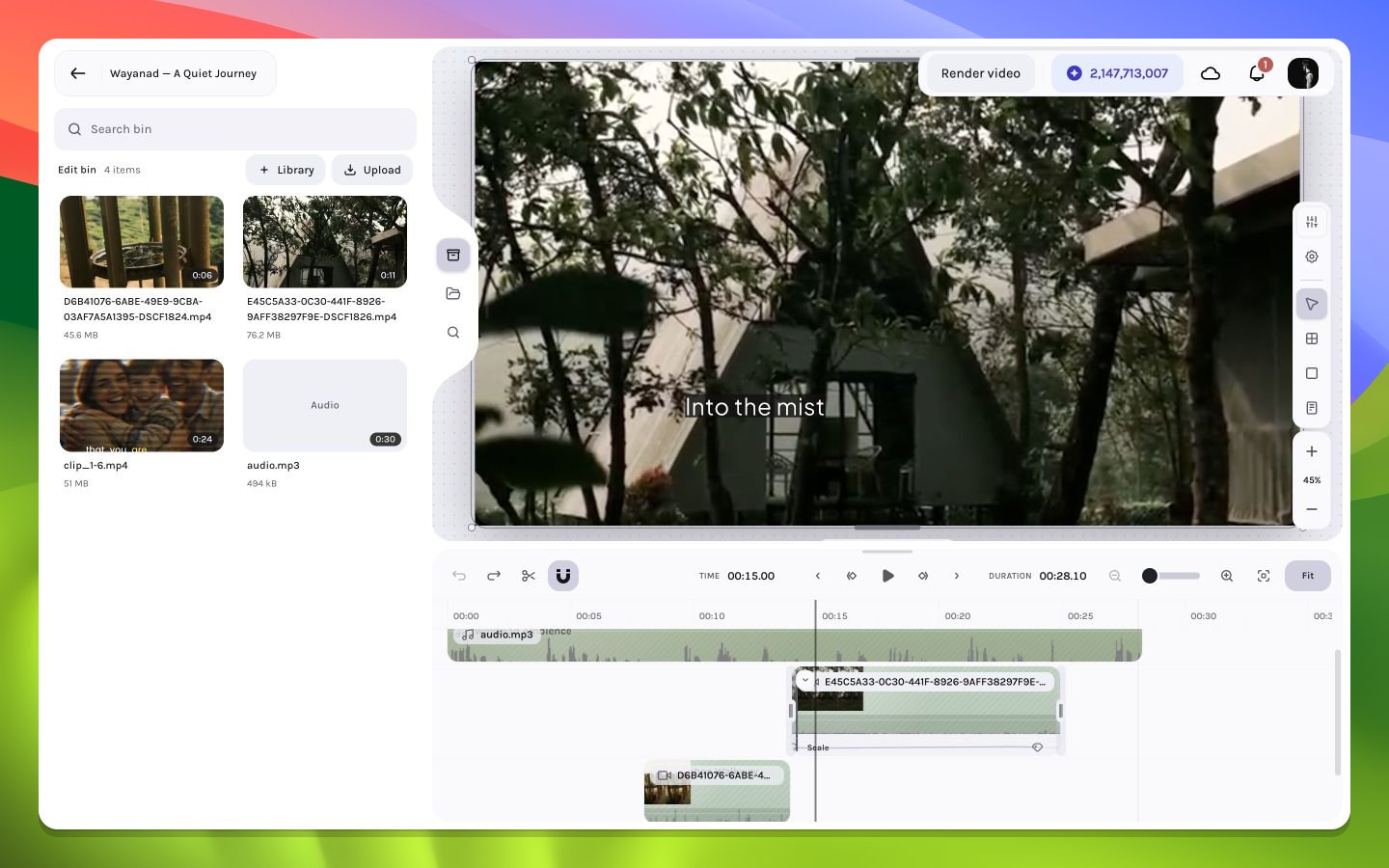
Editor regions in a realistic layered timeline
The selection loop
You can select a layer from either the canvas or timeline. The inspector then swaps to the controls supported by that layer type. A video exposes transform, crop, playback, volume when audio is present, effects, and shadows; timeline handles author audio fades. Text exposes transform, typography, appearance, effects, and shadows; multiple selected layers expose shared geometry and alignment controls.Two coordinate systems
The timeline uses frames along time. The canvas uses pixels inside the composition. The playhead is the bridge: it chooses which frame of every active layer is evaluated, while the canvas shows the resulting spatial stack.An item can be selected in the timeline while invisible on the canvas if the playhead is outside its active interval, it is hidden, its opacity is zero, or it is covered by a higher layer.