

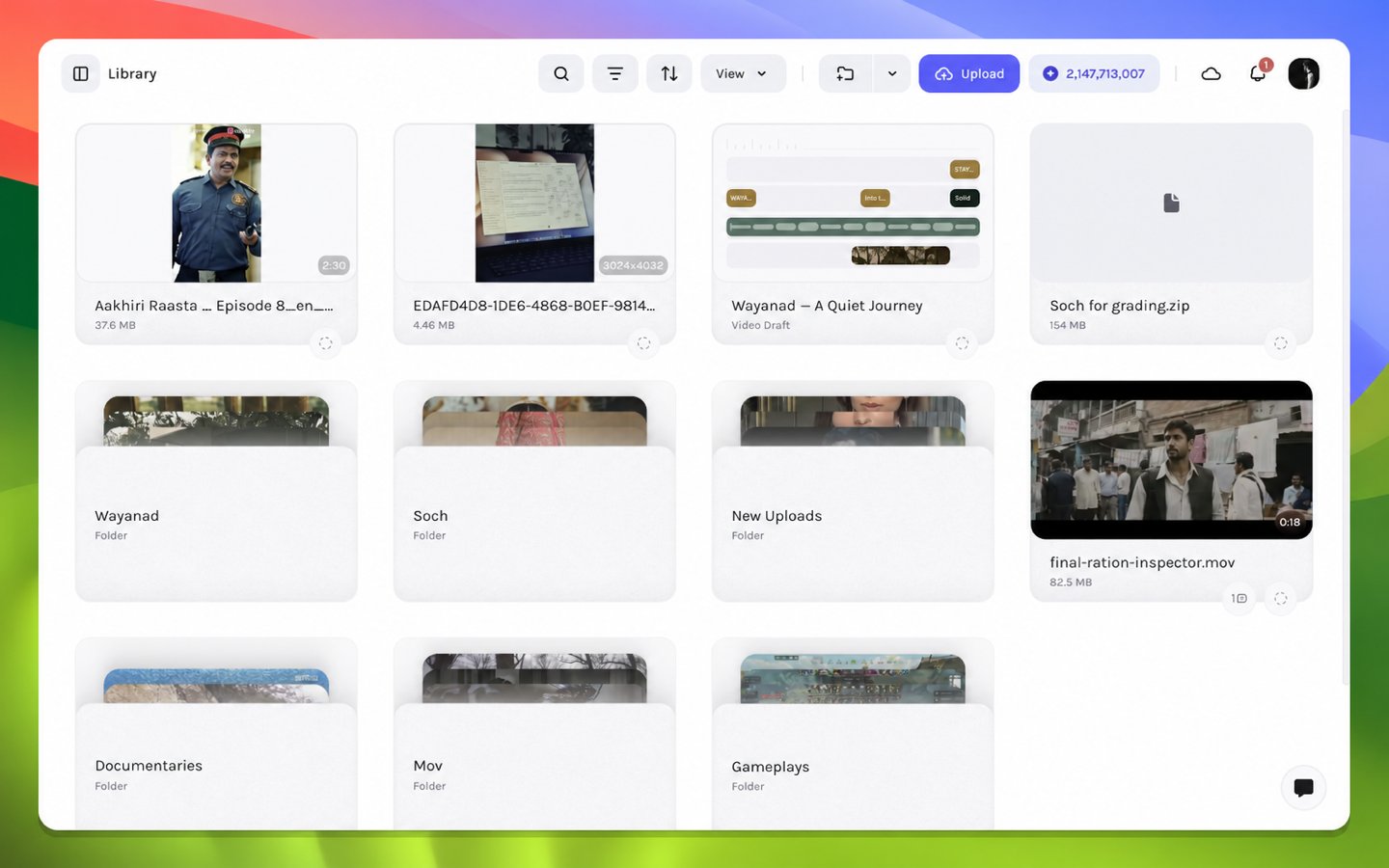
The example draft in Library
Open a video draft
1
Sign in to Tessact
Open Tessact in a supported desktop browser and complete sign-in. Keep the browser at 100% page zoom during the first tour so the editor panels use their intended layout.
2
Choose the draft's workspace
Use the workspace switcher to choose the workspace that contains your draft. Library contents, collaboration presence, and draft access are scoped to the active workspace.
3
Open Library
Navigate to Library and locate your video draft. Use the visible title and thumbnail together when several drafts have similar names.
4
Open the draft
Open the draft and wait for the editor shell, media references, and timeline layers to load. The canvas may settle a moment after the surrounding controls because remote media is prepared separately.
Confirm the correct project loaded
Check three independent signals before editing:
If the shell appears without content, do not begin adding replacement layers. First follow Editor loading diagnostics; an incomplete media load and an empty draft require different remedies.