

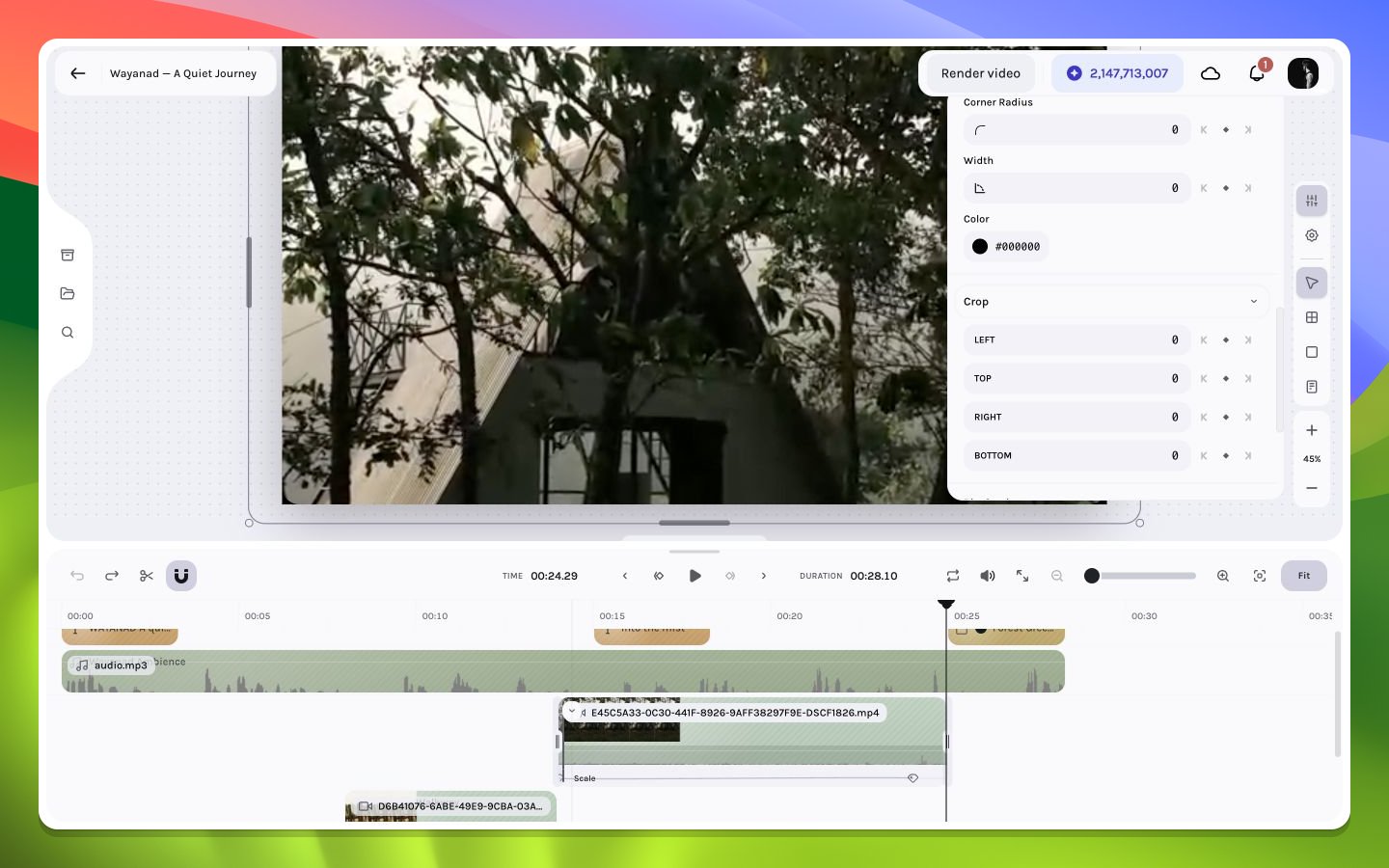
Crop controls on the selected travel shot
Crop workflow
1
Select the visual layer
Choose the video, image, GIF, text, solid, frame, or caption layer whose visible bounds need adjustment. Crop availability depends on the layer type and current context.
2
Open Crop
Expand the Crop section in the inspector. For an eligible non-text visual layer, double-clicking the layer can also enter direct crop mode; press
Escape to exit.3
Adjust crop edges
Drag crop handles while watching the canvas. Preserve important faces, horizon lines, text-safe margins, and container boundaries.
4
Recheck motion
Seek through the entire active interval. A crop that works at one source frame can cut off a moving subject later.
Crop, fit, and fill
A media source and its layer can have different aspect ratios. A fit-style result preserves all source pixels but may leave unused space; a fill-style result covers the box but requires cropping. Every supported visual layer stores four crop-edge values. Static values reproduce one region, while crop keyframes can animate that region over time. Direct crop interaction can temporarily preview negative edge values while the pointer is moving. Exiting crop mode normalizes/clamps the authored result. Frame-step the interval before and after exit rather than treating an in-gesture readout as final state.Common failure modes
The image looks stretched
The image looks stretched
Check layer dimensions and aspect-ratio locking. Cropping alone should not require non-proportional scaling.
A subject disappears during playback
A subject disappears during playback
Inspect the source over time. A static crop window does not automatically follow a moving subject.
The crop handles are missing
The crop handles are missing
Confirm the intended single layer is selected, the playhead is inside its interval, and the inspector’s Crop section is available for that type.