

Filmstrips
A filmstrip samples video frames across a clip and draws representative thumbnails. It helps locate shot changes, motion beats, and source sections after trimming. The sampling density depends on visible clip width and zoom; a narrow clip cannot show every source frame.Waveforms
A waveform summarizes audio amplitude over time. Tall peaks often indicate speech consonants, impacts, or loud musical transients; quiet regions can suggest pauses or room tone. Waveform pixels are an approximation of the decoded source and timeline scale.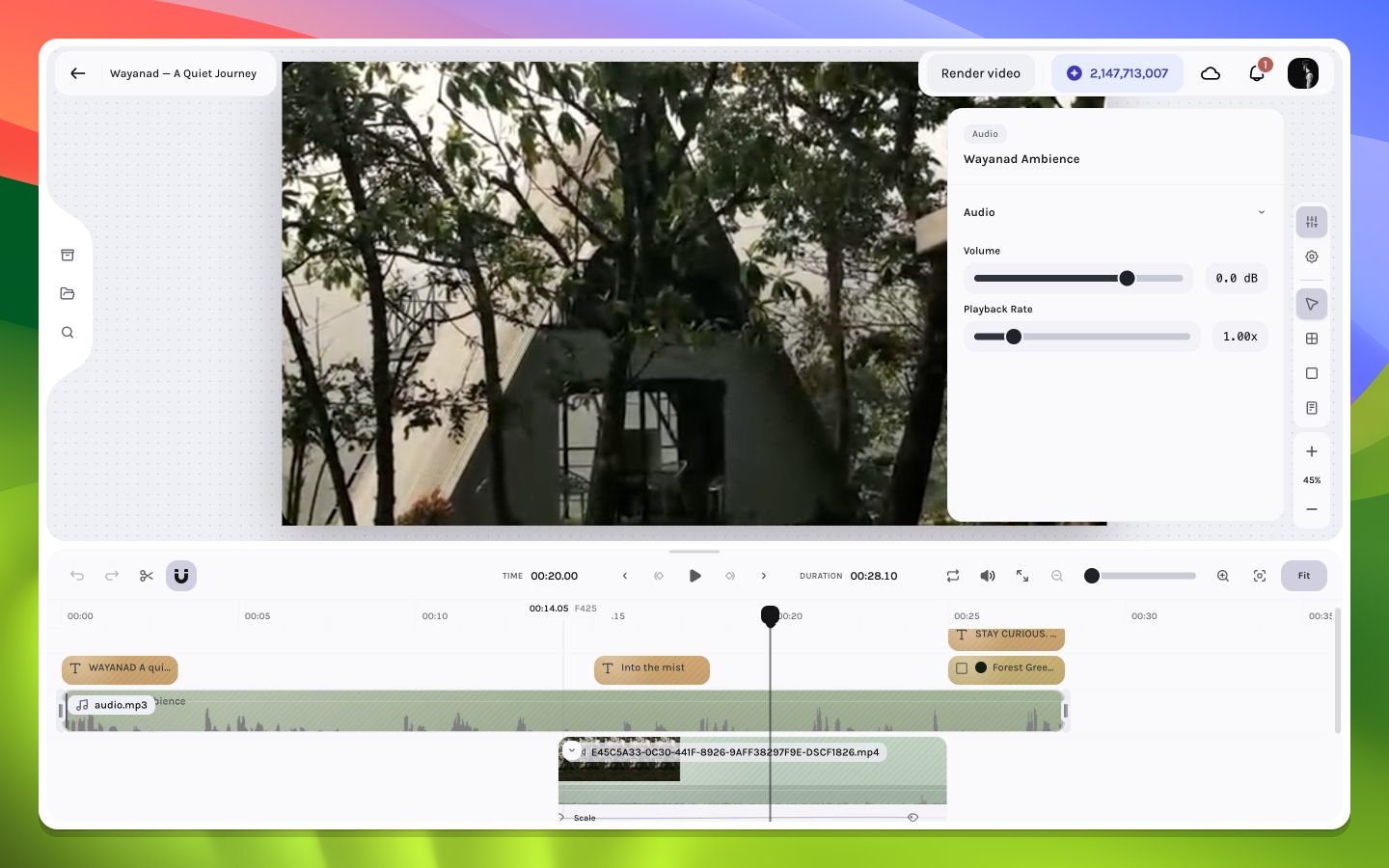
Audio waveform visible in the selected layer workflow
Cache and asynchronous generation
These summaries may appear after the clip itself because the editor can fetch, decode, sample, and cache them separately. Remote media access, browser decoding support, source duration, and current zoom all affect generation cost.Editorial uses
- Align a cut to a visible action change in a filmstrip.
- Place a sound effect at the waveform’s first transient.
- Trim silence while preserving a natural lead-in.
- Match caption boundaries to spoken phrase clusters.
- Detect a source section that differs from the selected thumbnail.
A waveform does not prove that audio is audible. Mute state, volume, fades, source-channel content, browser output, and project preview mute are evaluated separately.