

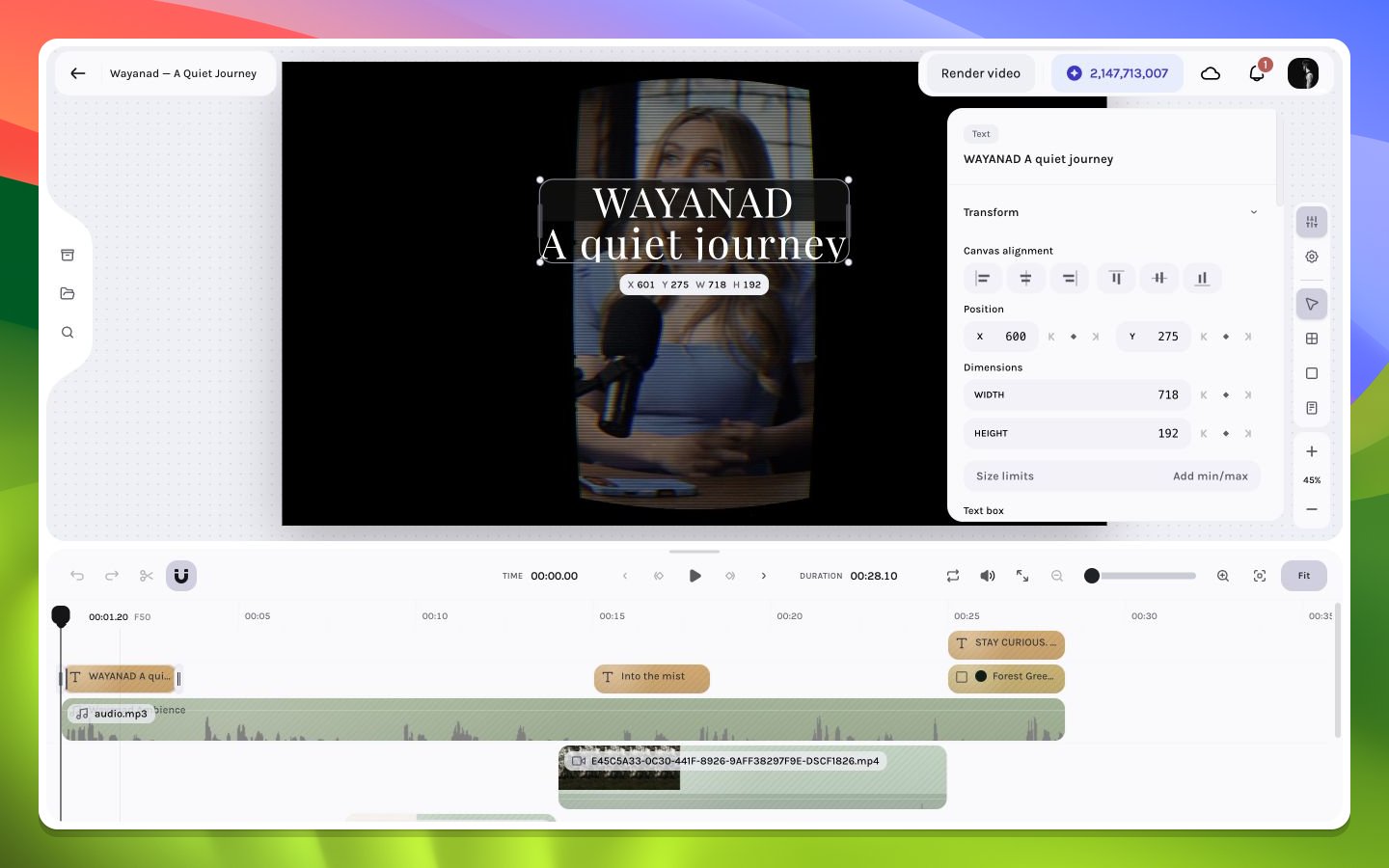
Title typography in the inspector
Transform
Position, dimensions, rotation, scale, alignment, and aspect behavior define the text box in the composition or parent space. Box width directly affects wrapping.Typography
The inspector exposes font family and style, font size, line height, letter spacing, text value, horizontal alignment, writing direction, and text transform. Use line height and tracking as ratios to the chosen size rather than copying arbitrary values between unrelated fonts. The text-value field previews each change immediately and groups continuous typing into one practical undo step. Move focus away when you finish editing. Escape does not revert the text; use Undo after the edit commits when you need the previous value.Appearance
Opacity and blend mode combine the text with the scene. Fill color accepts a solid or two-stop linear gradient; stroke color remains solid-only. An optional text background can add its own solid or gradient color, radius, and horizontal padding. Effects and multiple shadows can add hierarchy, but they should reinforce legibility rather than replace a sound type scale.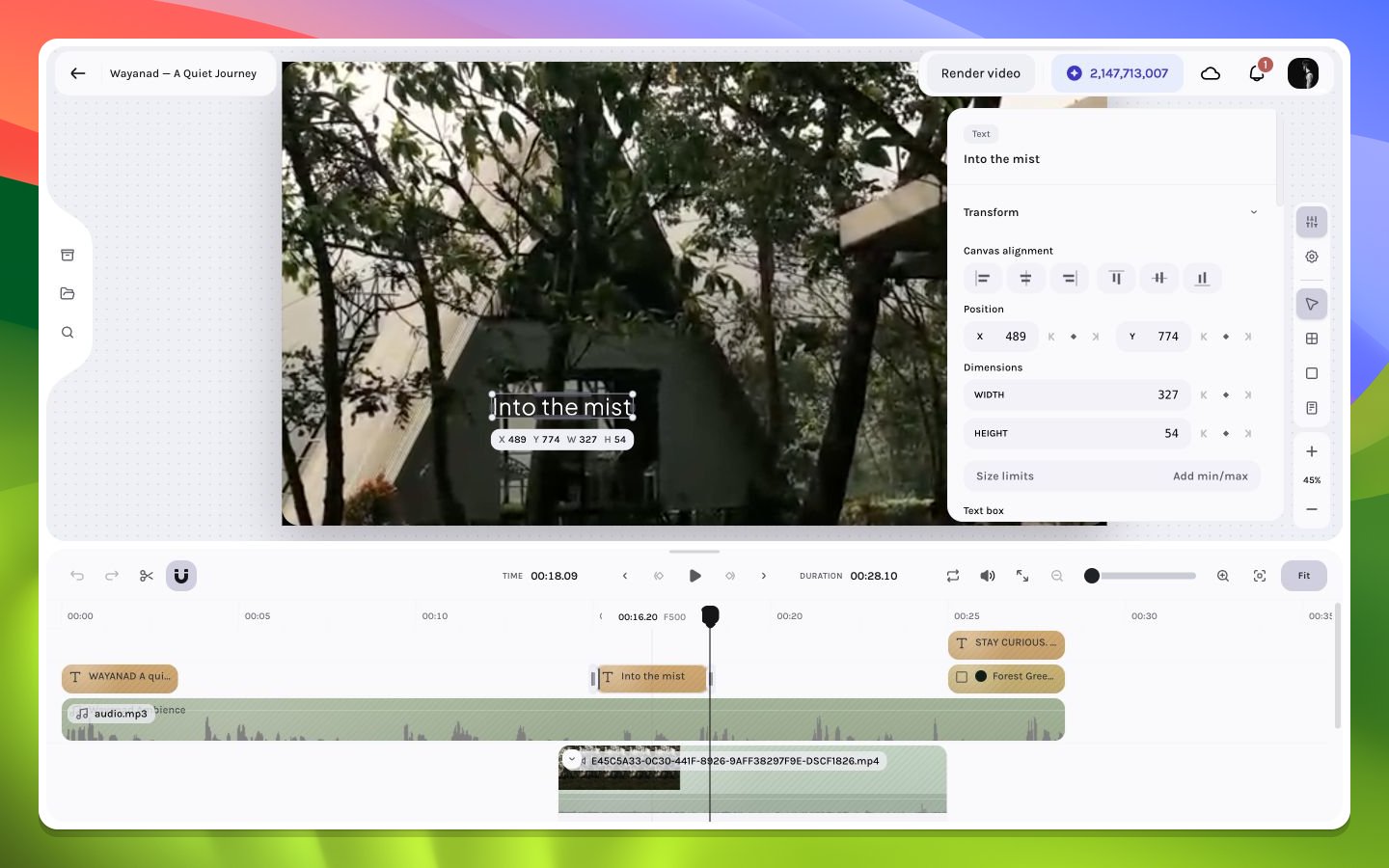
A lower-third text treatment in context
Text box sizing
The Text box controls sit inside Dimensions and determine how authored width and height interact with content:
Fit is enabled only when both effective axes are constrained. Choosing Hug on either axis resets Fit to None and enables resize-on-edit behavior. When a parent frame’s managed layout owns an axis, the inspector shows a read-only Fill value for that axis; change the parent layout or child sizing rule instead of trying to override it from the text layer.
Inline text background
Choose Add background in Appearance to create a background attached to the text layout. Once present, the inspector exposes:- a solid or two-stop linear-gradient color;
- background border radius;
- horizontal padding from
0to100composition pixels; - Remove background, which removes the background styling without deleting the text.